

Recently working on a WordPress powered website, I needed to place different forms on the WordPress based website to generate leads and capture data. One contact form was to be setup through sidebar widget and other form was to be setup as lead generation standard ‘Get a Free Quote’ form placed in the theme header.
After reviewing many plugins, I found Gravity Forms plugin as the most flexible, secure and accessible. I needed something with the flexibility to add custom fields, and server and client side validations. This plugin is the ultimate form generator, and has so many options and features, it will do just about anything you require in any web form, whether it’s a lead generating Quote form or simple contact form with custom fields.
Setup Lead Generation ‘get A Quote’ Form easily in WordPress
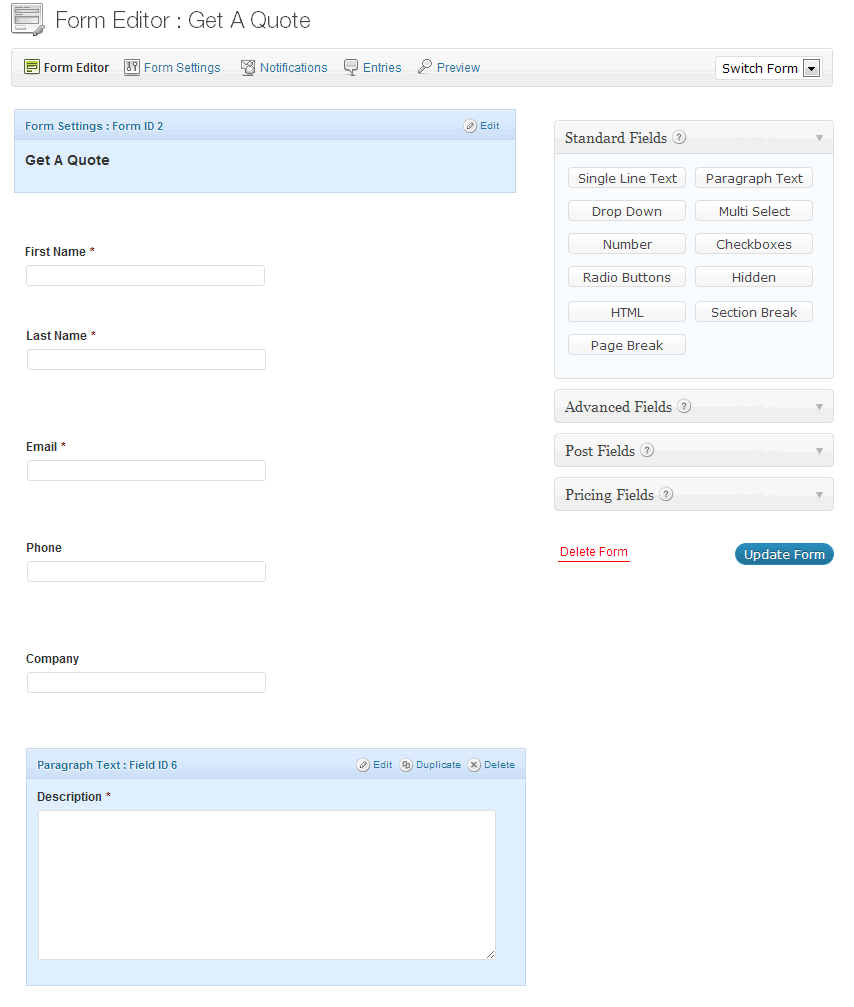
These are some of the most important features available in Gravity Forms which you might not find in other forms:
Visual Form Editor
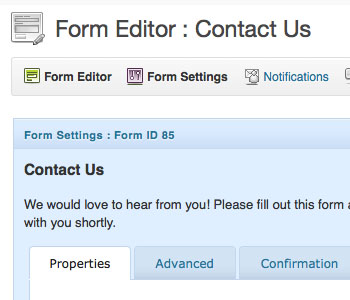 Building simple and complex lead generation forms alike is a piece of cake with the visual form editor.
Setting up Order Forms for WordPress website
 Gravity Forms makes it very easy to create order forms with products, options, shipping and total calculations.
WordPress Conditional Fields Forms
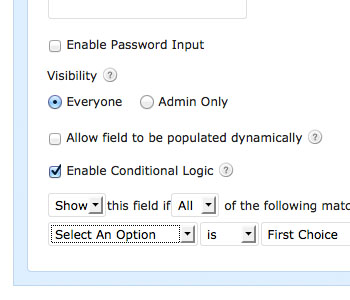 You can easily configure your form to show or hide fields, sections, pages or even the submit button based on user selections.
Multi-Page Forms in WordPress
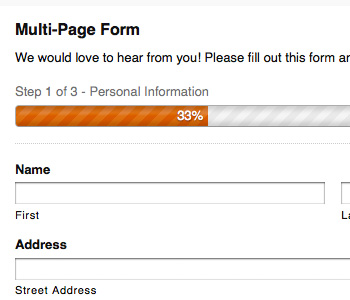 You can make long and complex forms easier to use by breaking them up into multiple pages, complete with progress bar with Gravity forms.
Schedule Forms in WordPress
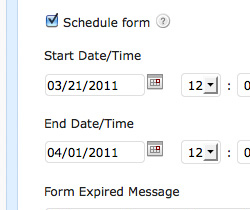 Let’s assume you want to make available a specific form for a limited period of time, you can create one in Gravity forms. Set a start and end date to limit form access and display a custom message when the form has expired.
Create WordPress Posts with Form Fields
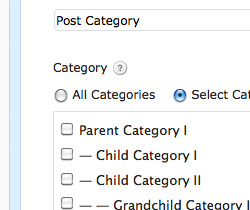 If your website has user-generated content like submitted entries for new events and festivals, directory listings, links directories then Gravity Forms is the way to go. Gravity Forms isn’t just for entries. It can also create WordPress posts. It’s easy to build a form that creates WordPress Posts on your site.
Limit Entries Submissions in WordPress
 If you are running a contest and only want to accept so many entries, you can easily limit entries using Gravity Forms. Your generated form will accept and display a custom message when that limit is reached.


Very useful material added to his bookmarks. I tried many different services for creating online calculators, among which Contact Form 7 and uCalc plugin were the most popular. Pretty good tools for creating calculators.